

You can hit a bucket of balls and still finish practice unsure what changed. When your goal is a more connected swing, it helps to have feedback you can feel during the motion.
The TRS Slider, inspired by Robert Rock, is designed to help golfers practice the relationship between the trail arm and the body. Here is what it does, how to get started, and a simple way to make it part of a focused range session.
What is the TRS Slider?
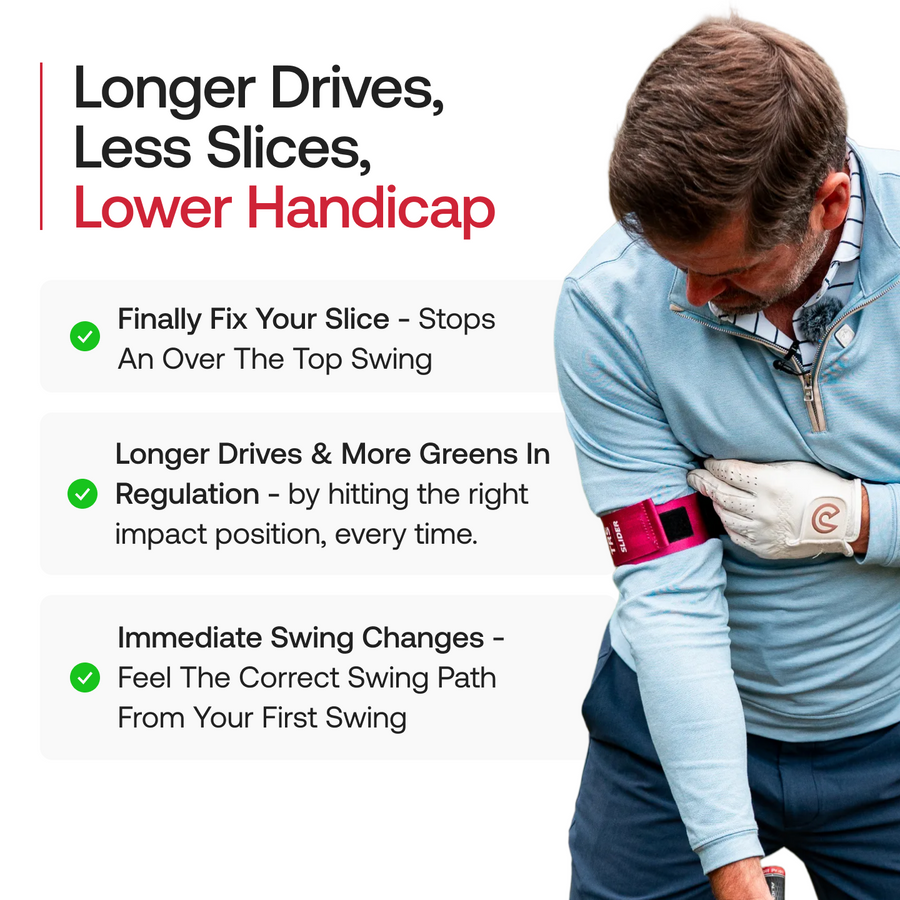
The TRS Slider is a wearable golf training aid with a torso strap and a sliding connection to the trail arm. That is your right arm if you play right-handed and your left arm if you play left-handed.
Its sliding design allows the arm to move around the body while providing a reference for connection. Instead of relying only on a mental picture of your elbow position, you have physical feedback as you rehearse the swing.

What does a connected golf swing feel like?
Connection describes how your arms and torso work together. With the Slider, the useful idea is to feel the trail arm moving with your turn while retaining room for the arm to travel. Squeezing your elbow into your ribs as hard as possible is not the objective.
Golf coach Rob Cheney describes the Slider as a way to explore the middle ground between an arm motion that is too upright and one that is too flat. His TRS Slider demonstration explains how the arm can stay close to the torso while sliding around it.
Who should consider practicing with it?
The Slider is worth considering if your coach has identified trail-arm connection or the relationship between your arm motion and body turn as a practice priority. Golf Training Aids lists connection, sequencing, swing path, tempo, and impact awareness among its intended training applications.
Give each session one purpose. For example, you might focus on a smoother takeaway or a less hurried transition. Trying to rebuild every part of your swing at once makes it harder to judge what the feedback means.
How to get started with the TRS Slider
- Check the fit. Use the size guidance for the model you purchase. Watch the official TRS Slider tutorial with Robert Rock before your first session.
- Set up the straps. TRS instructs golfers to place the main strap around the lower chest and put the trail arm into the arm strap. Adjust it for a secure, comfortable fit.
- Rehearse before hitting. Begin with slow practice swings so you can recognize how the sliding connection feels.
- Start with shorter clubs. The manufacturer recommends beginning with wedges and a 7-iron. Build familiarity with the movement before progressing.
Follow the product instructions for fitting and use. If the setup feels awkward, revisit the tutorial before trying to swing harder.
A simple 15-ball practice routine
Try this suggested practice structure once you are comfortable with the setup. It is a way to organize your session, rather than a manufacturer-prescribed drill or a promise of results.
First five balls: establish a baseline
Without the Slider, choose one club and one target. Hit five shots at a comfortable pace. Note strike quality, starting direction, and where the shots finish. Keep the notes short enough that you will actually use them.
Next five balls: practice with feedback
Put on the Slider and make a slow rehearsal before each shot. Use the same club and target. Choose a single cue, such as letting your arm motion accompany your turn, and pay attention to the feedback instead of chasing distance.
Final five balls: check the transfer
Remove the aid and repeat the same task. Can you recreate the useful sensation? Compare these shots with your opening five. A good session gives you something specific to repeat or discuss with your coach, even when the ball flight is not yet where you want it.
For more ideas on organizing your practice, read how to practice at the driving range.
Common questions about the TRS Slider
Does it work for left-handed golfers?
Yes. TRS states that the Slider accommodates both right- and left-handed golfers.
Is it suitable for beginners?
The manufacturer offers it for a range of abilities. For a newer golfer, a clear explanation of the intended movement can make the feedback easier to interpret.
Will it fix my slice?
The Slider is marketed to golfers working on swing path and connection, including those who slice. Treat that as a training application, not a guaranteed outcome. Use your shot pattern and coaching feedback to decide whether the change is helping your swing.
How will I know whether practice is helping?
Keep a simple record across several sessions. Look for a pattern in the shots you hit after removing the aid, rather than judging the session by one unusually good strike.
Make your next practice session more specific
If trail-arm connection is on your practice list, the TRS Slider gives you a tangible reference to explore. Start slowly, work on one task, and give yourself time to check the movement without the aid.

